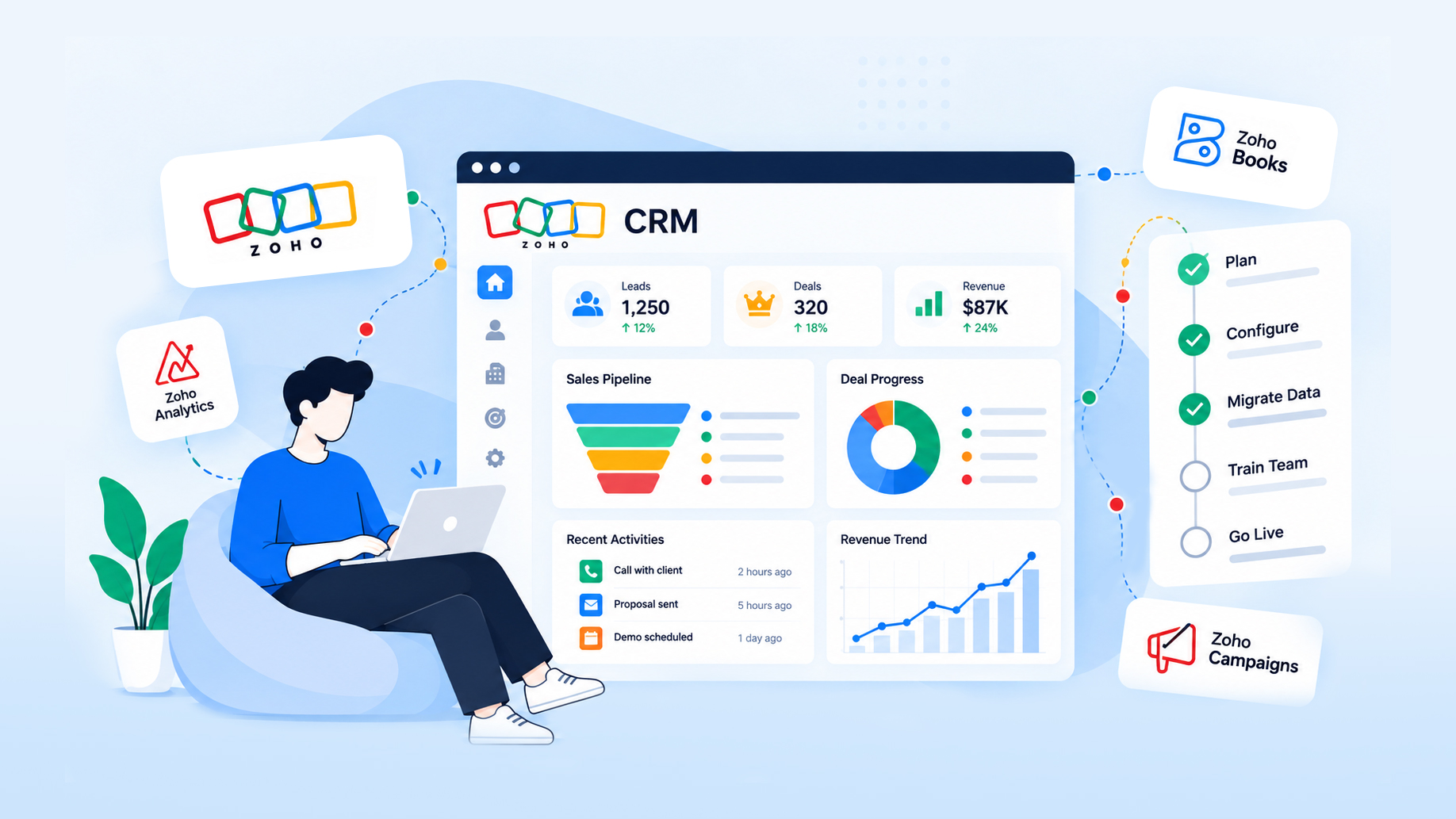
Zoho CRM Implementation: A Step-by-Step Guide for Growing Teams
A practical, phase-by-phase guide to implementing Zoho CRM: gathering requirements, migrating data, configuring modules and blueprints, integrating Books and Desk, and getting your team to actually use it.
⚡ Key takeaways
- A successful Zoho CRM implementation starts with mapped sales processes, not with fields and modules.
- Clean and deduplicate data before migration, and run at least one full test import before go-live.
- Use blueprints for guided processes and workflows for automation, and keep both documented.
- Adoption decides ROI: role-based training, simple layouts and a named internal owner matter as much as configuration.
A Zoho CRM implementation can be live quickly, but speed is not the hard part. The hard part is configuring the system around how your team really sells, migrating data you can trust, and connecting CRM to finance, support and the rest of your stack so people stop working in spreadsheets.
This guide walks through each phase: planning and requirements, data migration, customization, integrations, training, common mistakes and an indicative timeline. It is written for founders, sales leaders and operations or IT owners who are about to roll out Zoho CRM, or are trying to rescue a rollout that stalled.
Plan your Zoho CRM implementation around real processes
Start by documenting how leads become customers today, including the messy parts. Interview a few reps, a sales manager, someone from finance and someone from support. The goal is a shared picture of stages, handoffs and the data each step needs.
Capture requirements in a short, prioritized document that covers:
- Pipeline and stages: how many pipelines you need, stage definitions and exit criteria for each stage.
- Objects and records: leads, contacts, accounts and deals, plus any custom objects such as projects, properties or subscriptions.
- Roles and permissions: who can see, edit, export and delete which records, and how territories or teams are structured.
- Reports and dashboards: the handful of numbers leadership reviews every week, defined precisely.
- Integrations: email, calendar, telephony, accounting, support, eCommerce and any in-house systems.
- Success measures: what “working” means after launch, such as reps logging activities in CRM rather than in personal notes.
Separate must-haves for launch from later improvements. A lean first release that people use beats a perfect design that ships months late.
Data migration: clean, map, test, then move
Migration is where most rollouts lose trust. If reps open the new CRM and find duplicates, missing history or broken ownership, they go back to their old tools.
- Inventory sources. List every place customer data lives: a previous CRM such as Salesforce or HubSpot, spreadsheets, email tools, accounting software.
- Clean and deduplicate. Standardize formats for phone numbers, countries and company names, merge duplicates and archive records nobody needs.
- Map fields. Build a mapping sheet from each source field to its Zoho field, including picklist values and record owners.
- Preserve relationships. Import in dependency order (accounts, then contacts, then deals and activities) so links between records survive.
- Run a test import. Load a representative sample or a full copy into a test environment, and have users check real records they know well.
- Cut over. Freeze edits in the old system, run the final import, reconcile record counts and switch users over.
Customization: modules, layouts, blueprints and workflows
Zoho CRM is highly configurable, which is both its strength and its risk. Every customization should trace back to a requirement.
Modules and fields
Use standard modules wherever they fit, and create custom modules only for genuinely distinct records. Keep field counts lean, use picklists instead of free text for anything you want to report on, and name fields consistently so reports and integrations stay readable.
Layouts and views
Different teams need different layouts. A field sales rep, an inside sales rep and an account manager should each see only the sections relevant to them. Custom views and filtered list views reduce clicks far more than extra fields ever will.
Blueprints
Blueprints turn a process into guided steps: which fields are mandatory at each transition, who can move a record forward and what happens automatically along the way. They work well for qualification, approvals, onboarding and any stage where skipping a step causes problems later.
Workflows, validation and custom functions
Workflow rules handle automation such as assignments, follow-up tasks, email alerts and field updates. Validation rules protect data quality at the point of entry. When built-in actions are not enough, custom functions written in Deluge, Zoho’s scripting language, can call APIs, calculate values or update related records.
Document every workflow and blueprint in one place, with its trigger and owner. Undocumented automation is the main reason Zoho accounts become hard to change after a year.
Integrations with Zoho Books, Desk and other apps
A CRM that does not talk to finance and support becomes a second source of truth. Plan integrations as part of the core scope, not as an afterthought.
- Zoho Books: sync accounts and contacts, and give sales visibility of quotes, invoices and payment status so they know which customers are in good standing.
- Zoho Desk: show open tickets on the account record so account managers see support issues before a renewal call.
- Other Zoho apps: Campaigns, SalesIQ, Forms and Analytics extend CRM into marketing, live chat, lead capture and reporting.
- Third-party systems: eCommerce platforms such as Shopify, payment gateways, WhatsApp Business, Microsoft 365, Slack or an ERP can connect through Zoho Flow, webhooks or the Zoho CRM REST APIs.
- In-house systems: product databases or customer portals usually need custom API integration with clear rules on which system owns which field.
Decide the system of record for each data type before building anything, and plan how failures are logged and retried. If CRM data will feed a wider reporting layer, see our guide to building a modern data stack. The official Zoho CRM site lists current editions and features, which affect what is available natively.
Planning a Zoho CRM rollout?
Our certified Zoho consultants and engineers handle setup, migration, Deluge development and integrations as one fixed-scope engagement.
User adoption and training
Configuration is only half the job. The system pays off when people log calls, update deals and trust the dashboards.
- Role-based training: short sessions per role using their own records, not a generic tour of every menu.
- Internal champions: one or two respected users per team who test early and help colleagues after launch.
- User acceptance testing: let real users run their daily tasks in the new system before sign-off.
- Phased rollout: launch with one team or region first, fix issues, then expand.
- Hypercare period: a few weeks of fast support after go-live, when small annoyances decide whether people keep using the tool.
- Management usage: leaders should run pipeline reviews from CRM dashboards, which signals that CRM data is the data that counts.
Common Zoho CRM implementation mistakes
The same problems appear again and again in stalled rollouts:
- Copying the old system: recreating every field and workaround from a previous CRM instead of redesigning around current processes.
- Over-customizing on day one: dozens of modules and workflows before anyone has used the basics.
- Migrating dirty data: importing duplicates and outdated records and hoping to clean them later.
- No clear owner: nobody inside the company is responsible for the CRM after the project ends.
- Ignoring permissions: giving everyone broad access, then scrambling when sensitive data is exported.
- Skipping integrations: leaving finance and support disconnected, so teams keep maintaining spreadsheets.
Most CRM projects do not fail on features. They fail because the system never becomes the place where work actually happens.
Implementation phases and indicative timeline
Timelines depend on user count, number of apps, data quality and integration depth. The ranges below are indicative only and reflect typical scope, not a guarantee.
| Scope | Typical shape | Indicative timeline |
|---|---|---|
| Focused CRM setup | Zoho CRM only, one dataset migrated, standard integrations | About 1–2 weeks |
| Multi-app implementation | CRM plus Books, Desk or similar, workflow design, a few integrations | About 4–8 weeks |
| Full transformation | Zoho One or CRM Plus, custom Deluge and Creator apps, external APIs | About 3–6 months |
Within any of these, the phases follow the same order: discovery and requirements, design, configuration and migration, integration, user testing and training, go-live, then hypercare and ongoing optimization.
When to use a Zoho partner
Small teams with simple pipelines can often configure Zoho CRM themselves. A partner makes sense when the cost of getting it wrong is higher than the cost of help.
| Situation | Do it yourself | Use a partner |
|---|---|---|
| Users and teams | A small team with one pipeline | Multiple teams, territories or regions |
| Data migration | Clean spreadsheets | Migrating from Salesforce, HubSpot or several sources |
| Automation | Basic workflow rules | Blueprints, Deluge functions, Creator apps |
| Integrations | Native Zoho app connections | ERPs, payment gateways, in-house systems via APIs |
| Internal capacity | A dedicated admin with time to learn | No in-house Zoho expertise |
Look for a partner that combines functional consultants with software engineers, offers fixed scope and timelines, and provides support after launch. You can also extend CRM with AI: our overview of generative AI use cases covers ideas such as call summaries and account research.
Frequently asked questions
How long does a Zoho CRM implementation take?
As an indicative range, a focused CRM-only setup can go live in one to two weeks, a multi-app rollout usually takes four to eight weeks, and a full Zoho One transformation can take three to six months. Data quality and integrations drive most of the variation.
Can I migrate from Salesforce or HubSpot to Zoho CRM?
Yes. Export your data, clean and map it to Zoho fields, import in dependency order and validate with a test run before cutover. Plan separately for attachments, activity history and any automation you need to rebuild.
What is a blueprint in Zoho CRM?
A blueprint is a guided process that defines the stages a record moves through, who can move it, and which fields or actions are required at each transition. It enforces a consistent sales or approval process across the team.
Does Zoho CRM integrate with Zoho Books and Zoho Desk?
Yes. Both have native integrations with Zoho CRM, so sales can see invoices, payment status and support tickets on customer records. The exact sync options depend on your editions and configuration.
Do I need a Zoho partner to implement Zoho CRM?
Not always. A small team with a simple process can self-implement. A partner helps when you are migrating from another CRM, need custom Deluge or Creator development, or have integrations with finance, ERP or in-house systems.
Next steps
Start with a short requirements document, a data inventory and a list of must-have integrations. If you would like expert help, OMANGOM is a Certified Zoho Partner with an engineering team for migration, Deluge development and integrations. Contact us to book a fit assessment for your Zoho CRM rollout.