Shopify ERP Integration: How to Connect Shopify With ERP, CRM, POS and Inventory Systems
A practical guide to connecting Shopify with ERP, CRM, POS and inventory systems: what data to sync, integration patterns, systems of record, error handling and a step-by-step implementation plan.
⚡ Key takeaways
- A Shopify ERP integration starts with deciding the system of record for each data type: products, prices, inventory, orders, customers and financials.
- Most brands move through three patterns: off-the-shelf connector apps, an iPaaS platform, and custom middleware when volume, B2B rules or multiple systems demand it.
- Event-driven sync with webhooks, queues, idempotent handlers and scheduled reconciliation prevents overselling and duplicate orders.
- Map fields, edge cases (refunds, partial fulfilment, bundles, multi-location stock) and error handling before writing any code.
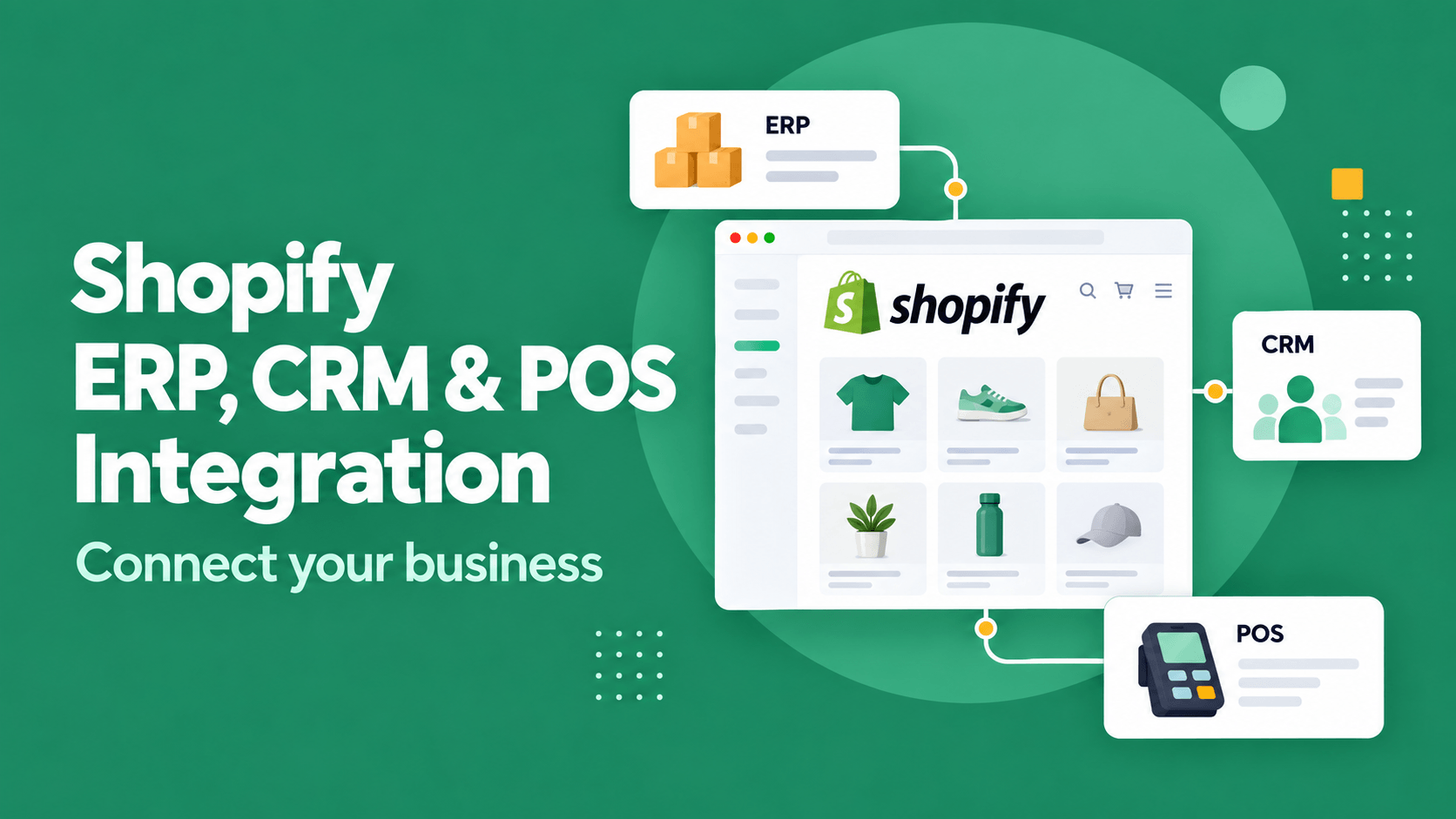
A Shopify ERP integration is what turns Shopify from a standalone storefront into part of one commerce operation. When your ERP, CRM, point of sale and warehouse systems are connected, stock levels are accurate across channels, orders flow straight into fulfilment and finance, and customer data is consistent from first visit to repeat purchase.
When they are not connected, teams re-key orders, oversell stock and reconcile spreadsheets at month end. This guide covers what to sync, how to choose an integration pattern, the design decisions that prevent data problems, and a step-by-step plan for connecting Shopify with ERP, CRM, POS and inventory systems.
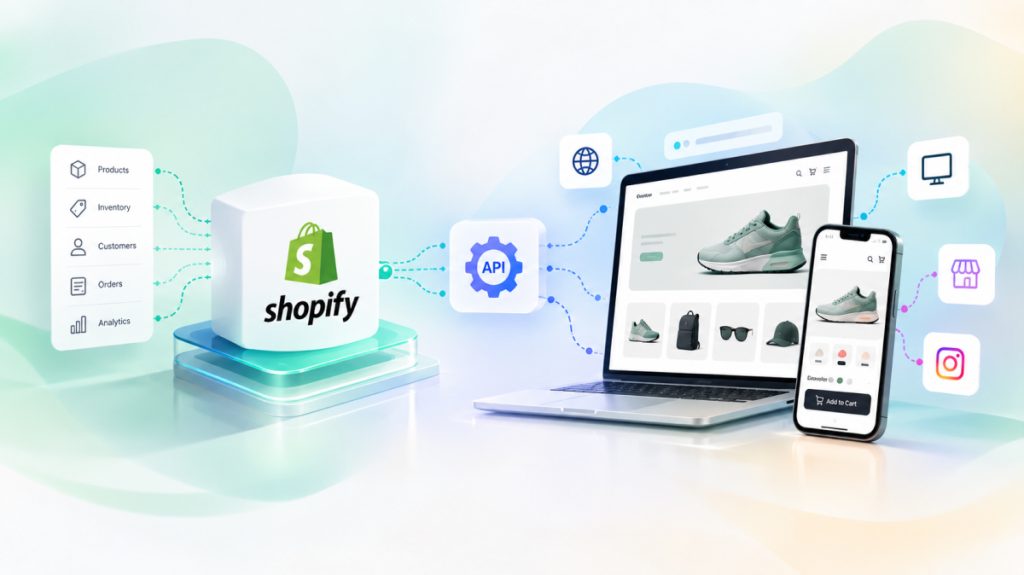
What data flows between Shopify and your other systems
Start by listing the data objects and the direction each one flows. Most integrations involve the same core objects, even when the systems differ.
| Data object | Typical system of record | Direction | Sync timing |
|---|---|---|---|
| Products and variants | ERP or PIM | ERP/PIM to Shopify | On change, plus nightly check |
| Prices and B2B price lists | ERP | ERP to Shopify | On change |
| Inventory levels | ERP, WMS or inventory system | Both directions, per location | Near real time |
| Orders | Shopify (web), POS (store) | Shopify to ERP/OMS | Near real time |
| Fulfilment and tracking | WMS or 3PL | WMS to Shopify | On change |
| Customers and consent | CRM | Both directions | On change |
| Refunds and returns | Shopify or OMS | Shopify to ERP | Near real time |
| Invoices and payments | ERP or accounting | Shopify to ERP | On change or batched |
The “system of record” column is the most important decision in the whole project. Every object needs one owner. If both Shopify and the ERP can edit prices, you will eventually have two different prices and no way to know which is right.
Shopify ERP integration: orders, inventory and finance
The ERP usually owns products, costs, stock, purchasing and accounting. The integration needs to move orders into the ERP quickly and push reliable inventory and pricing back to Shopify.
Orders and financials
- Create sales orders in the ERP from Shopify orders, including taxes, discounts, shipping and payment method.
- Map Shopify customers to ERP customer accounts, especially for B2B buyers with credit terms.
- Handle edits, cancellations, partial refunds and exchanges as separate, explicit events.
- Post payouts and fees so finance can reconcile Shopify Payments or gateway settlements.
Inventory
Inventory is where integrations most often fail visibly. Shopify supports multiple locations, so map each warehouse, store and 3PL to a Shopify location. Decide whether you publish available-to-sell stock (on hand minus reserved and safety stock) rather than raw on-hand quantity, and reconcile it on a schedule to catch drift.
Many mid-sized brands use ERPs such as Odoo, NetSuite, SAP Business One, Microsoft Dynamics or Zoho Inventory and Zoho Books. The patterns in this guide apply to all of them; what changes is the quality of each system’s API and the connectors available.
Connecting Shopify to your CRM
A CRM integration gives sales, service and marketing teams the full picture of each customer: orders, lifetime value, open tickets and consent status. It matters most for B2B commerce, high-consideration products and brands with clienteling or subscription models.
- Sync customers and addresses, with a clear rule for matching duplicates (usually email plus a stable external ID).
- Push order summaries and key events (first purchase, abandoned checkout, refund) as CRM activities.
- Sync marketing consent both ways so opt-outs are always respected across tools.
- For B2B, sync company accounts, contacts and account managers, and route quote requests into the CRM pipeline.
If Zoho CRM is on your shortlist, our Zoho CRM implementation guide covers data modeling, automation and rollout. As a Certified Zoho Partner, we often connect Zoho CRM, Inventory and Books with Shopify stores.
POS, inventory and omnichannel retail
If you sell in physical stores, the POS is another sales channel that must share inventory and customer data with the web store. Shopify POS shares the same product catalog, inventory and customer records as your online store natively, which removes a whole integration layer.
If you run a third-party POS, the integration must push store sales and returns into the ERP and update stock per location quickly enough to support buy online, pick up in store and ship-from-store. Test peak-day scenarios: two channels selling the last unit at the same moment is a matter of when, not if.
Need Shopify connected to your ERP, CRM or POS?
As a Shopify Partner, we build omnichannel integrations with one inventory and one order flow across web, mobile, POS and marketplaces.
Integration patterns: connectors, iPaaS or custom middleware
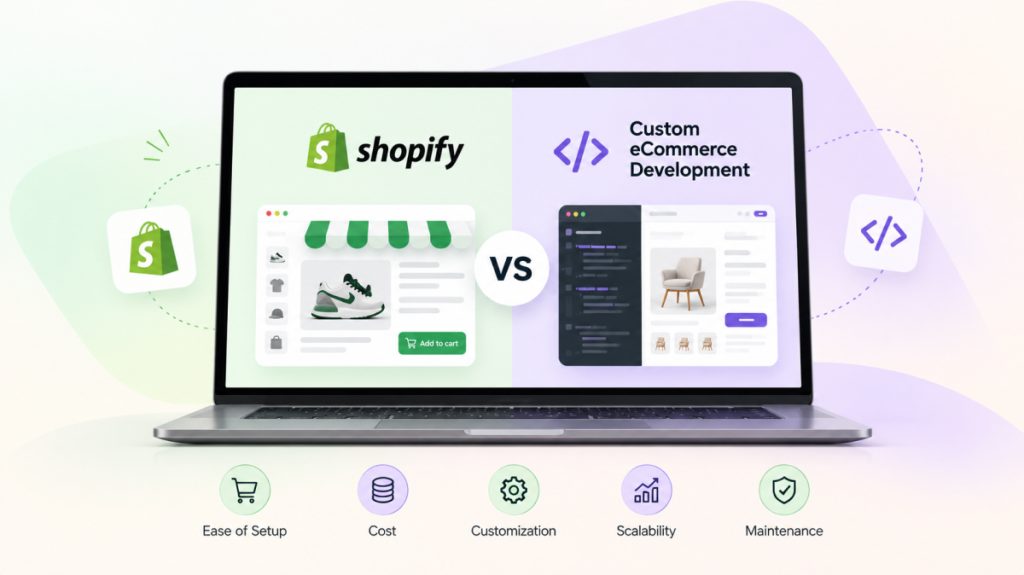
There are three broad ways to connect Shopify with other systems. The right one depends on order volume, business-rule complexity and how many systems are involved.
| Approach | Best for | Strengths | Watch out for |
|---|---|---|---|
| Connector apps | One ERP or CRM, standard processes | Fast to set up, maintained by the vendor | Limited customization, opaque error handling |
| iPaaS platform | Several systems, moderate complexity | Visual flows, prebuilt connectors, monitoring | Subscription cost, logic spread across flows |
| Custom middleware | High volume, B2B rules, multiple channels | Full control, testable, owned logic | Needs engineering ownership and hosting |
Custom middleware usually sits on a small cloud service with a queue, a database for mappings and sync state, and workers that call each system’s API. It reads and writes Shopify through the Shopify Admin GraphQL API and receives events via webhooks. A minimal webhook receiver looks like this:
// Minimal Shopify webhook receiver (Node.js / Express)
import crypto from "node:crypto";
import express from "express";

const app = express();

app.post("/webhooks/orders-create", express.raw({ type: "application/json" }), async (req, res) => {
  const hmac = req.get("X-Shopify-Hmac-Sha256") || "";
  const digest = crypto
    .createHmac("sha256", process.env.SHOPIFY_WEBHOOK_SECRET)
    .update(req.body)
    .digest("base64");

  if (!crypto.timingSafeEqual(Buffer.from(digest), Buffer.from(hmac))) {
    return res.status(401).send("Invalid signature");
  }

  const webhookId = req.get("X-Shopify-Webhook-Id");
  if (await alreadyProcessed(webhookId)) return res.sendStatus(200); // idempotency

  await queue.publish("erp.orders", { webhookId, order: JSON.parse(req.body) });
  res.sendStatus(200); // acknowledge fast; the ERP sync runs asynchronously
});
The pattern matters more than the language: verify the signature, deduplicate, acknowledge quickly and process asynchronously so a slow ERP never causes Shopify to retry and resend the same order.
Shopify ERP integration for B2B and wholesale
B2B adds rules that consumer storefronts rarely need, and most of them live in the ERP. Shopify’s native B2B features, available on eligible plans, support company accounts, catalogs, price lists and payment terms, but the data behind them usually has to come from your ERP.
- Account-specific pricing: sync customer price lists, volume breaks and contract prices from the ERP, and decide how often they refresh.
- Credit and payment terms: surface credit limits and terms (for example net 30) from the ERP, and block or flag orders that exceed them.
- Purchase orders and approvals: carry PO numbers and approver details into the ERP sales order so invoicing matches the buyer’s paperwork.
- Minimums and pack sizes: enforce minimum order quantities and case packs consistently in both systems.
- Quotes: route quote requests into the CRM or ERP and convert accepted quotes into Shopify draft orders.
Because B2B rules change per customer, they are a common reason to move from a connector app to custom middleware. Keep the logic in one place, test it with real customer scenarios, and make pricing discrepancies visible to the account team before a buyer sees them.
Connectors, iPaaS or custom: what drives the cost
Integration cost is driven less by the number of systems than by the number of business rules and exceptions. A standard order and stock sync is relatively predictable. Custom pricing, bundles, multi-currency, several warehouses and legacy ERPs with limited APIs each add design, testing and ongoing maintenance effort, so budget for operating the integration, not only building it.
Design rules that prevent sync problems
- One owner per field: document the system of record for each field, not just each object.
- Stable IDs: store cross-references (Shopify ID, ERP ID, CRM ID) in a mapping table or metafields.
- Idempotency: every handler must be safe to run twice without creating duplicates.
- Queues and retries: buffer events, retry with backoff and park failures in a dead-letter queue with alerts.
- Rate limits: respect Shopify API limits and your ERP’s limits; use bulk operations for large catalog syncs.
- Reconciliation: run scheduled checks comparing orders and stock across systems, and fix drift automatically where safe.
- Observability: give operations a dashboard of sync status, failures and replay options, not just developer logs.
Integrations rarely fail on the happy path. They fail on refunds, split shipments, bundles, edited orders and the day your ERP is down for maintenance. Design for those cases first.
A step-by-step implementation plan
- Map processes: document order-to-cash, returns, purchasing and B2B flows as they work today and as they should work.
- Decide systems of record and sync directions for every object and key field.
- Choose the pattern: connector, iPaaS or custom middleware, based on volume, rules and future channels.
- Map fields and edge cases: taxes, discounts, bundles, gift cards, multi-currency, partial fulfilment.
- Build and test in staging with a development store and an ERP sandbox, using real historical orders.
- Load existing data: products, customers, open orders and opening stock, then reconcile.
- Go live in phases: for example inventory and orders first, then CRM and finance, with monitoring in place.
- Operate: review failures weekly, tune reconciliation and update mappings as the business changes.
If you are also changing platforms or storefronts, sequence the work carefully. Our guides on ecommerce migration SEO and headless Shopify cover how integration fits into those projects.
Frequently asked questions
Does Shopify have a built-in ERP?
No. Shopify handles storefront, checkout, orders and inventory, but it is not an ERP. Purchasing, accounting, manufacturing and advanced warehouse processes live in a separate ERP or accounting system that you integrate with Shopify.
How long does a Shopify ERP integration take?
As an indicative range that depends heavily on scope, a connector-based Shopify ERP integration for standard processes can go live in a few weeks, while custom middleware with B2B pricing, multiple locations and several systems typically takes a few months including testing and phased rollout.
Should I use a connector app or build a custom integration?
Start with a well-supported connector if your processes are standard and you have one main system. Move to iPaaS or custom middleware when you need complex rules, multiple systems, high order volumes or better error handling than the connector provides.
How do I keep inventory in sync between Shopify and POS?
Map each store and warehouse to a Shopify location, update stock on every sale and return, publish available-to-sell quantities with a safety buffer, and run scheduled reconciliation. Using Shopify POS removes much of this work because it shares inventory natively.
Can Shopify integrate with Zoho or Odoo?
Yes. Both expose APIs, and connector apps exist in the Shopify ecosystem. For complex pricing, multi-location stock or B2B workflows, a custom or iPaaS integration usually gives more control.
Next steps
A reliable integration turns Shopify into the front of a unified commerce operation. Our Digital Commerce team maps your processes, chooses the right integration pattern and builds ERP, CRM, POS and inventory sync with monitoring and reconciliation from day one. Contact us to plan your integration.