Cloud Migration Strategy: A Step-by-Step Guide for Growing Businesses
A practical cloud migration strategy for growing businesses: discovery and TCO, the 7 Rs, choosing AWS, Azure or GCP, landing zones, migration waves, cutover and FinOps after go-live.
⚡ Key takeaways
- A cloud migration strategy starts with discovery: an inventory of workloads, their dependencies and a realistic total cost of ownership.
- Use the 7 Rs to decide per application whether to retire, retain, rehost, relocate, replatform, refactor or repurchase.
- Build a secure landing zone (accounts, identity, networking, guardrails) before moving the first production workload.
- Migrate in waves with rehearsed cutovers, then run FinOps from day one so savings actually materialize.
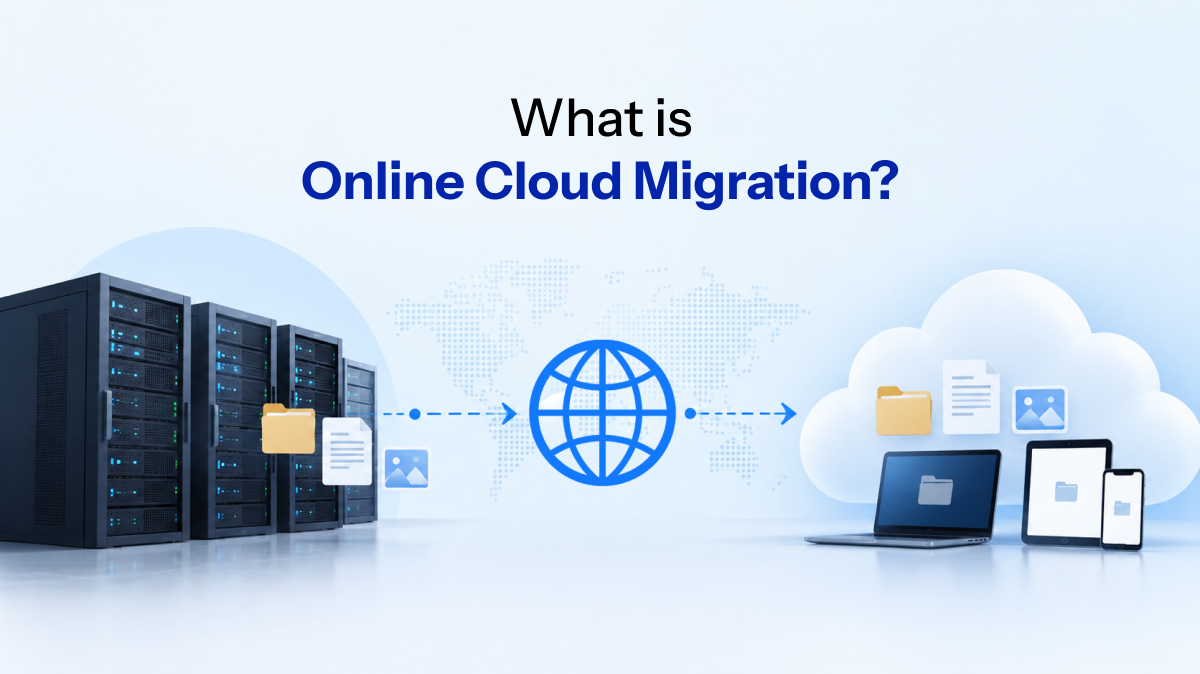
A cloud migration strategy is the plan that decides what moves to the cloud, in what order, using which approach, and how you will run it once it is there. Without one, teams tend to lift everything at once, carry over the same inefficiencies, and end up with a bigger bill and the same operational headaches.
This guide walks through the approach we use with founders and CTOs of growing companies: why you are migrating, how to assess what you have, how to apply the 7 Rs, how to choose between AWS, Azure and Google Cloud, and how to cut over safely and keep costs under control afterwards.
Start with the business drivers
Migration is expensive in engineering time, so be explicit about why you are doing it. The driver shapes every later decision, from which workloads go first to how much refactoring is justified.
- Scalability and reliability: self-hosted or single-server setups that fall over under peak load or have no real disaster recovery.
- Speed of delivery: manual deployments over SSH, snowflake servers and environments nobody can recreate.
- Data center or contract exit: a hardware refresh, colocation renewal or hosting contract end date that forces a timeline.
- Compliance: customers asking for SOC 2, HIPAA or ISO 27001 evidence that is hard to produce on legacy hosting.
- AI and data readiness: access to managed data warehouses, GPU instances and ML services that are impractical on-premise.
Write the drivers down as measurable goals, such as recovery time targets, deployment frequency or a compliance audit date. These become the acceptance criteria for the whole program.
Assessment and discovery: know what you are moving
Discovery is the step teams most often rush, and it is where most migration surprises are born. The goal is a complete, honest picture of your estate before you commit to a plan.
Build the application inventory
List every application, database, scheduled job, file share and third-party integration. For each one, capture the owner, business criticality, technology stack, data volume, current hosting cost and any licensing constraints. Automated discovery tools from the cloud providers help, but interviews with the people who run the systems catch what the tools miss.
Map dependencies
Map which systems talk to which, over what protocols, and how latency-sensitive those calls are. A reporting database that quietly reads from the production ERP every night is exactly the kind of dependency that breaks when one side moves and the other does not. Group tightly coupled systems so they migrate together.
Model total cost of ownership
Compare the full current cost (hardware, hosting, licenses, power, support contracts and staff time) with the projected cloud cost. Include one-off migration effort, a period of running both environments in parallel, and training. Treat any estimate at this stage as an indicative range that tightens as the design matures.
The 7 Rs: choosing a migration approach per workload
The 7 Rs give you a shared vocabulary for deciding what happens to each application. A good cloud migration strategy rarely uses just one; most portfolios end up with a mix, and the right answer depends on business value, technical debt and time pressure.
| Approach | What it means | Best for | Trade-off |
|---|---|---|---|
| Retire | Switch the application off | Duplicate or unused systems found during discovery | Needs data archiving and stakeholder sign-off |
| Retain | Keep it where it is for now | Systems with hard constraints or a near-term end of life | Hybrid connectivity must be maintained |
| Rehost | Lift and shift to cloud VMs with no code changes | Fast exits from a data center or hosting contract | Carries over inefficiencies; limited cloud benefit |
| Relocate | Move a virtualized or container platform as-is (e.g. VMware to a cloud-hosted VMware service) | Large VMware estates needing a quick move | Ties you to the same platform and licensing |
| Replatform | Small changes to use managed services, such as a managed database or containers | Apps that are sound but costly to operate | Some testing and config work; modest code changes |
| Refactor | Re-architect for cloud-native patterns (microservices, serverless, event-driven) | Core, high-growth products where scale and speed matter | Highest effort and risk; needs strong engineering |
| Repurchase | Replace with a SaaS product | Commodity functions like CRM, HR or email | Data migration, process change and vendor lock-in |
For older, business-critical systems, refactoring is often done incrementally with the strangler-fig pattern rather than as a risky rewrite. We compare those options in our guide to legacy application modernization.
A useful rule of thumb: rehost or replatform to hit the deadline, then refactor the handful of workloads where cloud-native architecture clearly pays back.
Choosing AWS, Azure or Google Cloud
All three major providers are mature and can run almost any workload. The decision is less about raw capability and more about fit with your team, your existing contracts and your roadmap.
- AWS: the broadest service catalog and a very large ecosystem of tools, partners and hiring pool. A common default for startups and product companies.
- Microsoft Azure: a natural fit if you already rely on Microsoft 365, Entra ID (Azure AD), Windows Server or SQL Server, and existing Microsoft licensing can influence cost.
- Google Cloud: strong in data and analytics (BigQuery), Kubernetes (GKE) and AI tooling (Vertex AI), which appeals to data-heavy and ML-focused teams.
Also weigh region availability for data residency, the managed services your architecture needs, your team’s existing skills, and commercial terms. Multi-cloud sounds attractive, but for most growing companies a single primary provider with portable tooling such as Terraform and Kubernetes gives you flexibility without doubling the operational burden.
Landing zone, security and identity
A landing zone is the pre-configured, secure foundation your workloads move into. Building it first means every migrated application inherits the same guardrails instead of each team improvising its own.
- Account structure: separate accounts, subscriptions or projects for production, staging, shared services and security logging.
- Identity and access: single sign-on through your identity provider, least-privilege roles, no long-lived access keys, and MFA everywhere.
- Networking: a planned IP scheme, private subnets, controlled egress and secure connectivity (VPN or dedicated link) back to anything you retain on-premise.
- Guardrails: policy-as-code to block public storage buckets, enforce encryption and require tags for cost allocation.
- Secrets and logging: a managed secrets store, centralized audit logs and baseline monitoring before the first workload lands.
Define all of this as infrastructure-as-code so environments are reproducible and reviewable. The AWS Well-Architected Framework is a solid checklist for security, reliability and cost design, and its principles apply on any provider.
Planning a move to AWS, Azure or GCP?
Our Cloud & Infrastructure team audits your estate, designs the landing zone and runs the migration with you.
Plan migration waves and cutover
Rather than a single big-bang weekend, group workloads into waves. Each wave is small enough to test thoroughly and roll back if needed, and each one teaches the team something that makes the next wave smoother.
- Pilot wave: one or two low-risk, well-understood applications to prove the landing zone, pipelines and runbooks.
- Early waves: internal tools and stateless services with few dependencies.
- Core waves: customer-facing applications and their databases, grouped by the dependency map.
- Final wave: the most complex or tightly coupled systems, followed by decommissioning the old environment.
Make cutovers boring
For each application, write a cutover runbook with named owners, a go/no-go checklist and a tested rollback path. Replicate data continuously ahead of time so the final switch is a short sync rather than a bulk copy, and lower DNS TTLs in advance so traffic can move quickly.
Rehearse the cutover in staging, agree a change window with the business, and validate with smoke tests and real user journeys before declaring success. Keep the old environment available until the new one has run cleanly through a full business cycle.
Cost control and FinOps after migration
Cloud bills grow quietly. The flexibility that makes the cloud useful also makes it easy to leave oversized instances, idle environments and forgotten storage running. FinOps is the practice of giving engineering, finance and product shared visibility and ownership of cloud spend.
- Tag everything by team, product and environment so every dollar has an owner.
- Right-size after a few weeks of real utilization data; lift-and-shift sizing is usually generous.
- Schedule non-production environments to shut down outside working hours.
- Commit wisely with savings plans or reserved capacity only once usage has stabilized.
- Set budgets and anomaly alerts so unexpected spikes surface in days, not at month end.
- Review storage and data transfer, which are often overlooked line items.
A migration only pays off when someone owns the bill after go-live. Cost visibility belongs in the plan, not in a clean-up project six months later.
Common cloud migration strategy pitfalls
Most failed migrations fail for predictable reasons. Watch for these:
- Skipping discovery: undocumented dependencies surface during cutover, when they are most expensive to fix.
- Lifting everything as-is: rehosting is fine as a first step, but without a plan to optimize, costs can rise rather than fall.
- Security as an afterthought: retrofitting identity, networking and logging after workloads move is slower and riskier.
- Underestimating data migration: large databases need replication, validation and a tested rollback, not a last-minute export.
- No operating model: without CI/CD, observability and runbooks, the team ends up firefighting the new platform.
- Ignoring skills: engineers need time and training to run cloud-native services confidently.
Frequently asked questions
What are the main steps in a cloud migration strategy?
The core steps are: define business drivers, run discovery (inventory, dependencies, TCO), choose an approach per workload using the 7 Rs, build a secure landing zone, migrate in waves with rehearsed cutovers, and optimize cost and operations afterwards.
How long does a cloud migration take?
It depends on the number of applications, their complexity and how much refactoring you choose. As an indicative range, a small estate of a few applications can move in weeks, while a larger portfolio with legacy systems is typically a multi-month program delivered in waves.
Is lift and shift a good cloud migration strategy?
Rehosting is a good way to exit a data center or hosting contract quickly with low risk. It is rarely the end state, though. Plan follow-up replatforming or right-sizing so you capture the cost and reliability benefits the cloud offers.
Which is better for migration: AWS, Azure or Google Cloud?
None is universally better. AWS offers the broadest ecosystem, Azure fits Microsoft-centric organizations, and Google Cloud is strong for data and AI. Choose based on your team’s skills, existing licensing, required services and data residency needs.
How do you reduce cloud costs after migration?
Tag resources for ownership, right-size instances using real utilization data, shut down idle non-production environments, use commitment discounts once usage is stable, and set budget alerts. Review costs regularly as part of engineering, not just finance.
Next steps
If you are weighing a move to the cloud, start with an honest assessment of what you run today and why you want to change it. Our Cloud & Infrastructure team can audit your setup, design a well-architected landing zone and migrate in safe, staged waves, with Legacy Modernisation support for the systems that need more than a lift and shift. Get in touch to talk through your cloud migration strategy.