Custom Software vs Off-the-Shelf Software: Which Is Right for Your Business?
A practical framework for choosing between custom and packaged software: when each wins, the hybrid path, fair cost-of-ownership comparisons and the signs you have outgrown your current tools.
⚡ Key takeaways
- Buy off-the-shelf software for commodity processes where your needs match the market; build custom where the workflow is your competitive advantage.
- Compare total cost of ownership over several years, including licenses, workarounds, integrations and exit costs, not just the upfront price.
- Most businesses end up hybrid: a packaged core such as a CRM, extended with custom integrations, portals or internal tools.
- Clear signs you have outgrown your software include spreadsheet workarounds, duplicate data entry, per-seat costs that punish growth and a vendor roadmap you cannot influence.
The custom software vs off-the-shelf decision comes up at almost every growth stage: when a startup chooses its first operational tools, when a mid-sized business finds its SaaS subscriptions no longer fit, and when a scaleup realizes the workflow that differentiates it is trapped inside someone else’s product. There is no universally right answer, but there is a right way to decide.
This guide gives you a practical comparison, the situations where each option clearly wins, a hybrid path that often beats both, a fair way to compare cost of ownership, and the warning signs that you have outgrown your current software. It closes with a five-question framework you can use in your next planning meeting.
Custom software vs off-the-shelf at a glance
Off-the-shelf software is a packaged product sold to many customers: a CRM, an accounting tool, a helpdesk, an eCommerce platform. You configure it, but you do not own the code or the roadmap. Custom software is designed and built for your specific workflows, users and data, and you own it outright.
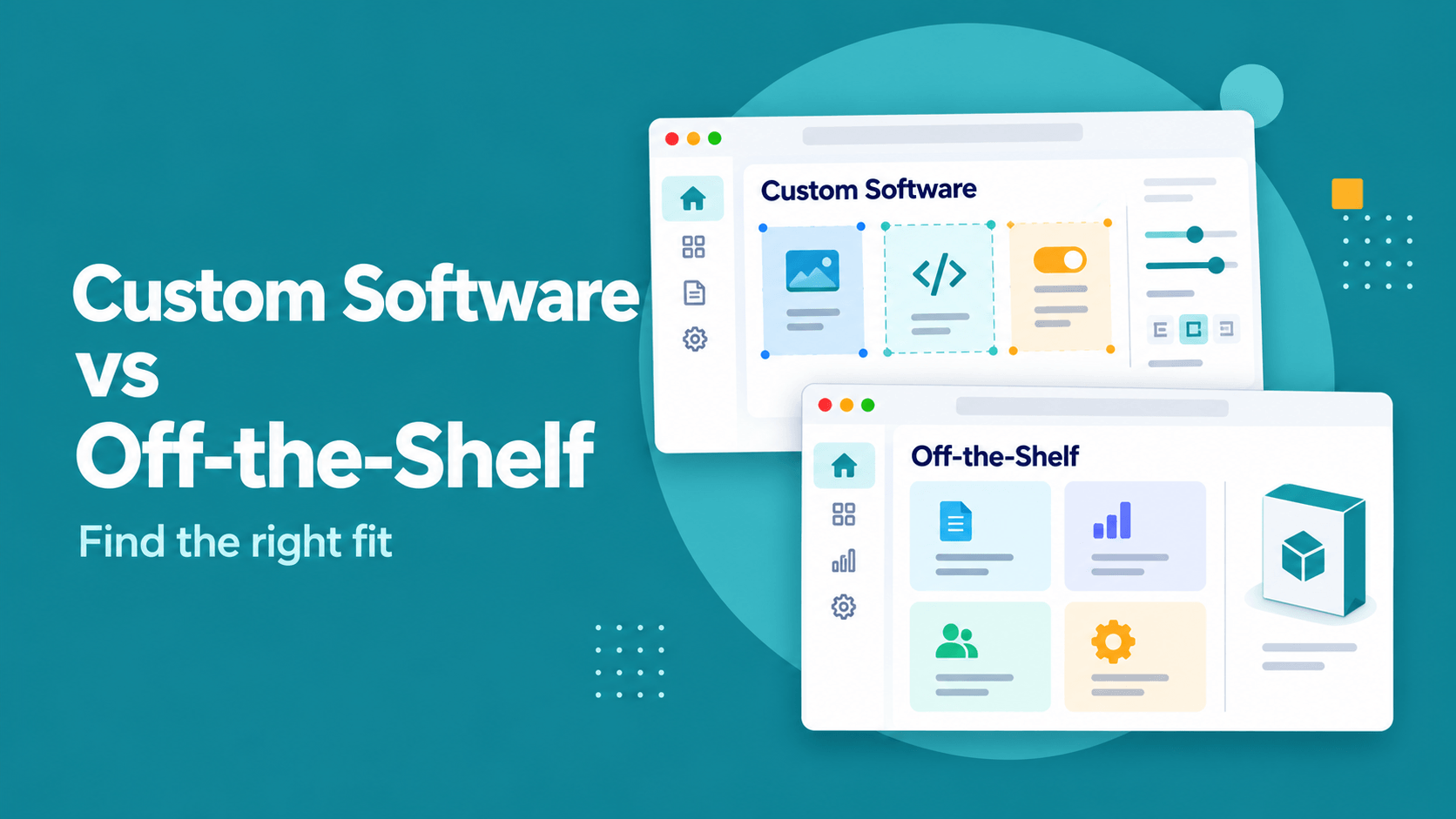
Between the two sits a wide middle ground of configurable platforms with APIs, low-code builders and extension frameworks. The table below compares the two ends of the spectrum so the trade-offs are easy to see.
| Factor | Off-the-shelf | Custom software |
|---|---|---|
| Time to first value | Days to weeks | Weeks to months, depending on scope |
| Upfront cost | Low: subscription or license plus setup | Higher: discovery, design and engineering |
| Ongoing cost | Per-seat or usage fees that grow with the business | Hosting, maintenance and a team to evolve it |
| Fit to workflow | Good for standard processes; you adapt to the tool | Built around how you actually work |
| Differentiation | Same features your competitors can buy | Can encode what makes you different |
| Integration | Limited to the vendor’s APIs and connectors | Designed to connect with your systems |
| Control and roadmap | Vendor decides features, pricing and deprecations | You decide what gets built and when |
| Risk profile | Vendor lock-in, price changes, feature gaps | Delivery risk, key-person risk, maintenance burden |
When off-the-shelf software is the right call
Packaged software is the sensible default for processes that look the same in most companies. Payroll, email, accounting, basic HR and standard ticketing rarely justify custom engineering.
- The process is a commodity. If your competitors run it the same way and it does not affect why customers choose you, buy it.
- Speed matters more than fit. A new team or a new market may need working tools this month, not a perfect tool next quarter.
- Compliance is the vendor’s job. Mature products in regulated areas such as payments or payroll carry certifications and audit trails that are expensive to reproduce.
- Your requirements are still forming. A packaged tool is a cheap way to learn what you need before building.
A good example is CRM. Most sales teams are well served by a configurable platform such as Zoho CRM, and the real work is in data modeling, pipelines and automation rules. Our Zoho CRM implementation guide shows how far configuration can go before any custom code is needed.
When custom software is worth the investment
Custom software earns its cost when the software itself is part of how you compete, or when no product on the market models your process without heavy compromise. The question is not “can we build it?” but “does owning this capability change our economics or our customer experience?”
- The workflow is your advantage. A proprietary pricing engine, a scheduling model unique to your operations or a customer portal that sets you apart should not live inside a generic tool.
- You are building a product to sell. If the software is the business, as with a SaaS platform, you need to own the code, the architecture and the IP.
- Integration is the core problem. When value comes from connecting several systems, data sources and user groups, a custom layer often costs less than forcing tools to talk to each other.
- Per-seat pricing punishes your model. Businesses with many occasional users, such as field staff, partners or customers, can find license costs scaling faster than revenue.
- Data ownership matters. Some industries need precise control over where data lives, how it is processed and who can access it.
For online retail specifically, the same logic plays out between platforms and bespoke builds; see Shopify vs custom eCommerce for that version of the decision.
The hybrid path: buy the core, build the edges
In practice, the most cost-effective answer is often neither extreme. You buy a solid platform for the commodity core and build custom software only where it creates value.
Common hybrid patterns
- Custom integration layer: an API service that syncs orders, customers and inventory between packaged tools, with validation and error handling you control.
- Custom front end on a packaged back end: a customer or partner portal built in React or Next.js that reads from and writes to your CRM or ERP.
- Internal tools for the gaps: small, focused apps that replace the spreadsheets people use to bridge what the main system cannot do.
- Extensions inside the platform: custom functions, scripts or apps running within a configurable platform such as a CRM, so upgrades stay manageable.
How to compare total cost of ownership fairly
Subscription software looks cheaper on day one because the costs are spread out and partly hidden. Custom software looks expensive because the costs are front-loaded and visible. A fair comparison puts both on the same multi-year horizon, typically three to five years.
Costs people forget on the off-the-shelf side
- Seat and usage growth as headcount, customers or transactions increase.
- Paid tiers or add-ons needed to unlock features such as SSO, audit logs or API access.
- Integration middleware, connectors and the staff time to maintain them.
- Workaround labor: the hours spent re-keying data, reconciling reports and managing spreadsheets.
- Exit costs: data export, migration and retraining if you switch vendors later.
Costs people forget on the custom side
- Ongoing maintenance, security patching and dependency upgrades.
- Hosting, monitoring, backups and incident response.
- Product management and design time to decide what to build next.
- Documentation and knowledge transfer so the system does not depend on one person.
Any cost ranges you are quoted should be treated as indicative and tied to a defined scope. As a rough guide, a focused internal tool or integration layer is a much smaller engagement than a full platform replacement, and a validated MVP is usually the cheapest way to test whether a larger build is justified. Our article on MVP vs full product covers how to size that first release.
Weighing a build against another subscription?
We will review your current tools, map the gaps and tell you honestly whether to configure, extend or build.
Signs you have outgrown your current software
Many businesses arrive at custom software when a tool that worked at one stage starts to hold them back. Watch for these signals.
- Spreadsheets have become the real system. Critical data lives in exports and side files because the main tool cannot model it.
- People enter the same data twice. Sales, operations and finance each keep their own copy, and reports never quite match.
- You pay for features you do not use to get the one or two you need, or you are forced up a tier for basic capabilities.
- Integrations break silently. Connectors fail, sync jobs time out and nobody notices until a customer does.
- The vendor roadmap diverges from yours. Feature requests go unanswered, or the product moves toward a different type of customer.
- Performance degrades with volume. Pages slow down, API rate limits bite, or data limits force you to archive information you still need.
- Customers notice. Onboarding, quoting or support feels clunky because your tools, not your team, set the pace.
If several of these apply, the answer is not automatically a full rebuild. Start by identifying which process causes the most friction and whether extending the current tool, adding a custom layer or replacing it outright gives the best return. If the system is old and deeply embedded, phased legacy modernization reduces the risk.
A five-question framework for custom software vs off-the-shelf
Use these questions to structure the custom software vs off-the-shelf discussion with your leadership team. Score each area honestly; the pattern of answers usually makes the decision clear.
- Is this process a differentiator or a commodity? Differentiators lean toward custom; commodities lean toward buying.
- How closely does the best available product fit? If you need heavy workarounds for core flows, the fit is poor, no matter how good the product is.
- What does cost look like over five years at your expected scale? Model seat growth, add-ons, integration and workaround labor against build and run costs.
- Who will own and evolve it? Custom software needs an in-house team or a long-term engineering partner; without one, a packaged product is safer.
- What is the cost of being wrong? Consider lock-in and exit costs for off-the-shelf, and delivery and maintenance risk for custom.
Buy what everyone needs. Build what makes you different. Connect the two so your team never has to be the integration layer.
Frequently asked questions
Is custom software more expensive than off-the-shelf?
Upfront, almost always. Over several years it depends on scale, fit and how much workaround labor the packaged option creates. For commodity processes, off-the-shelf is usually cheaper overall. For core workflows with many users or complex integrations, custom software can be the lower-cost option over time.
What are the disadvantages of off-the-shelf software?
The main drawbacks are limited fit, dependence on the vendor’s roadmap and pricing, integration constraints and the fact that competitors can buy the same capabilities. Switching later can also be costly because of data migration and retraining.
How long does it take to build custom software?
It depends entirely on scope. A focused internal tool or integration can ship in weeks, while an MVP of a new product typically takes a few months, and a full platform replacement is usually delivered in phases. A short discovery phase is the best way to get a realistic estimate.
Can I start with off-the-shelf and move to custom later?
Yes, and it is often a smart sequence. Use a packaged tool to learn what you really need, keep your data exportable and document the workarounds. When the gaps become costly, you can build a custom layer or a replacement with far clearer requirements.
Who owns the code in a custom software project?
That is set by your contract. With a reputable development partner, you should own the code, the IP and the infrastructure accounts, with full documentation so your own team or another partner can maintain it.
Next steps
If you are unsure whether to configure, extend or build, start with an honest look at your workflows and costs. OMANGOM’s product engineering team builds custom software, internal tools and integration layers for startups and mid-sized businesses, and as a Certified Zoho Partner we also know when a packaged platform is the better answer. Tell us about your current setup and we will come back with a clear recommendation.